Keep the tools your method needs
Choose a focused application or Workbench to address the instruction. Keep specialist tools and independent checks where needed. A new platform does not have to replace every part of your method.
 Designed in the UK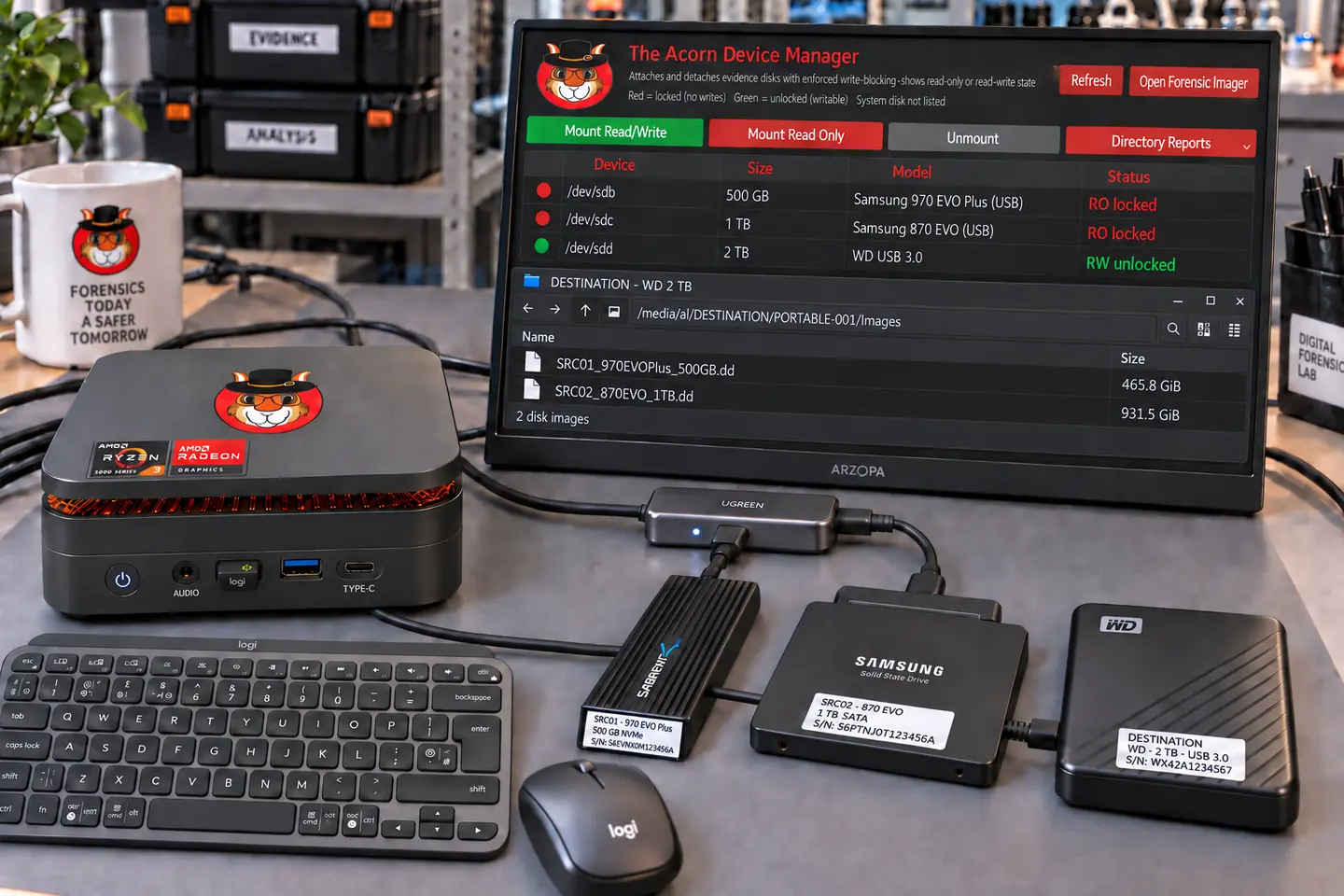
For private laboratories and independent examiners
A connected workspace for civil disputes, employment investigations and independent review. Examine the material needed for the instruction and retain a clear route back to the source.
Targeting late Q4 2026 · Explore the workflow and check build support.
 View full screen

Private forensic labs
Private forensic work often begins with a narrow question: was a file copied, when did a document change, or does another report's interpretation fit the available records? A full processing run is not always the most useful first step.
Use Workbench for case review and a focused app for a particular record type. Compare one defined result with your existing laboratory method, using the same preserved source. This shows where The Acorn may help without changing every tool at once.
Choose a focused application or Workbench to address the instruction. Keep specialist tools and independent checks where needed. A new platform does not have to replace every part of your method.
Test a complete instruction on suitable sample material, including intake and handover. Check the output and any gaps. Note where another tool or a manual step is still needed.
Keep the records and notes behind each finding. A colleague should be able to check the method and test another explanation.
Illustrative case workflow
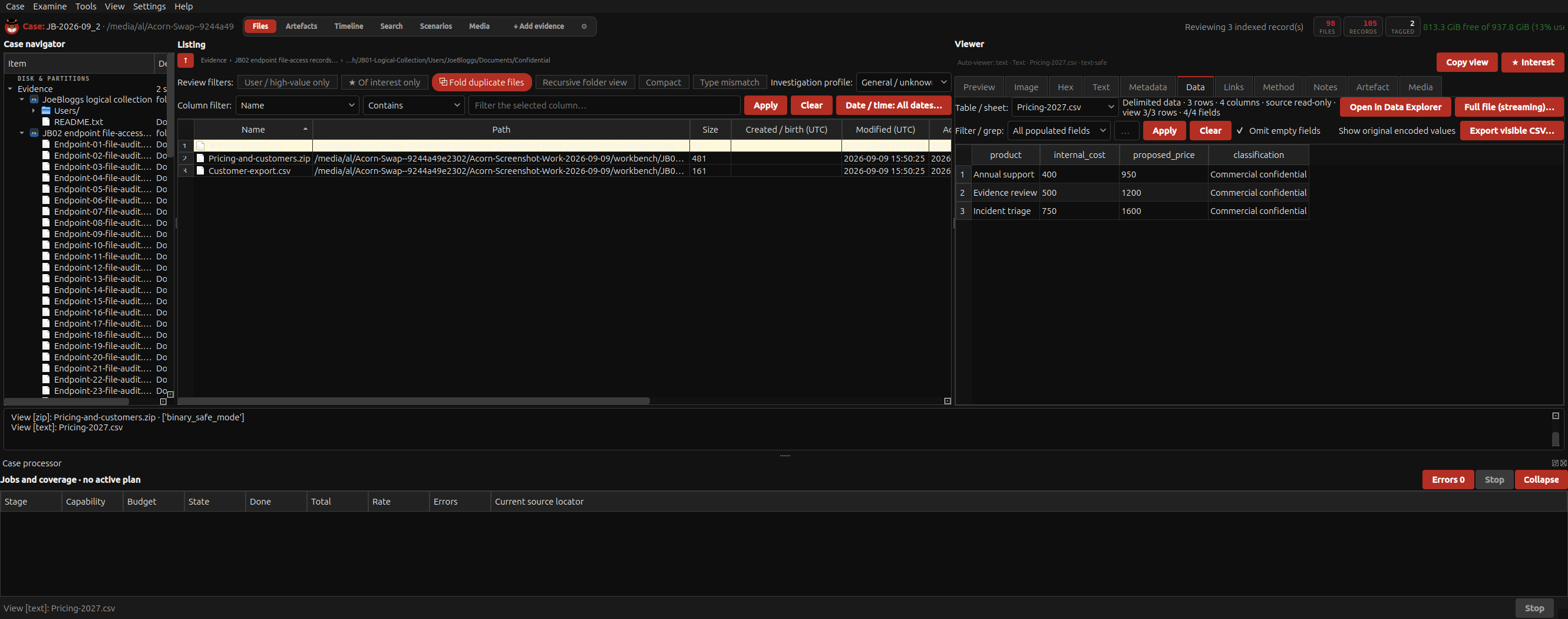
A solicitor instructs an independent examiner after a sales manager leaves. The employer supplies a returned laptop and a named client-list file. The instruction is to examine the final working week, not every personal file on the device.
Record the authorised date range, named documents and handling of personal material. Image the device with the source protected, and keep the case reference, hashes and acquisition record together.
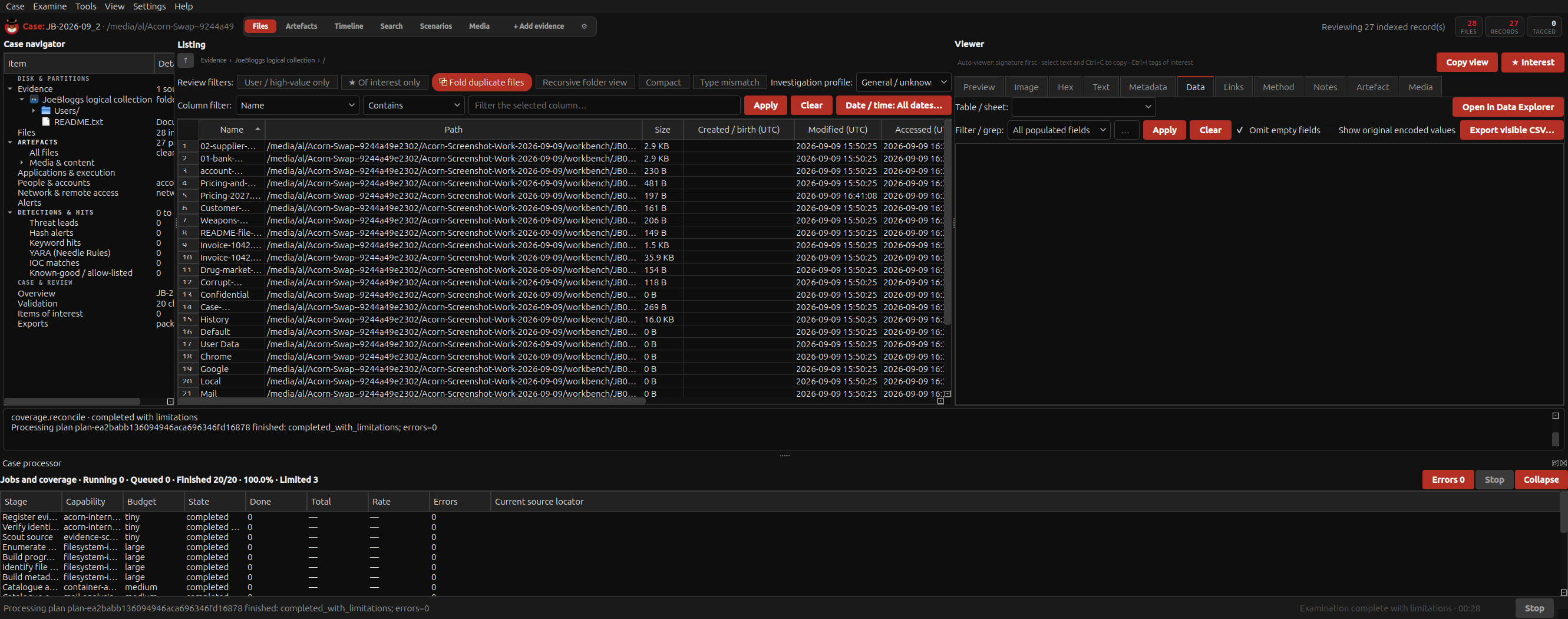
Look for relevant file-system entries, shortcuts, recent-file records and USB-device history. Examine available cloud or message records separately. A USB connection near a file timestamp is a lead, not proof of copying.
If the destination is available, compare the candidate files and their hashes. Separate file presence, access and transfer. Explain missing sources and plausible alternatives in a short, referenced report for the solicitor.
Fictional scenario for evaluating the workflow. Any genuine application captures use separate training material.
 View full screen
Open a record to see the next check.
A filename can be reused. Compare content, hashes, paths and context before treating two files as the same document.
The connection does not identify every copied file. Seek destination evidence or other records of the transfer.
A website visit is not an upload. Account audit records or the receiving service may answer the remaining question.
A useful evaluation
Start with the proposition being checked and, where available, the underlying evidence rather than the report alone. The Acorn can provide another route into supported records; the examiner still compares methods, coverage and interpretation.
Keep your existing tools and test a specific handover: source format, version, exported records and references. Working alongside another product does not mean its software runs inside The Acorn or that its native case format can be imported.
A focused app can inspect a particular database, document or artefact without starting a wider case review. Agree what the output needs to answer and when the available evidence calls for more work.
Agree one representative instruction, known test material and acceptance criteria. Review coverage, repeatability, exports, examiner effort and peer review from start to finish. Record observed benefits and gaps before deciding where it fits.
The planned portable bundle
The proposed portable bundle pairs The Acorn with a workstation, USB-C-powered screen, mini keyboard, mouse and carry bag.
Target specification: 24 GB RAM, AMD Ryzen Embedded, 6 cores / 12 threads, and a 1 TB PCIe SSD. Final components and compatibility are still being selected.
Explore the planned bundleTARGETING LATE Q4 2026
Provisional specification. Final VAT treatment, delivery, licence terms and availability will be confirmed before orders open.
Notify me + 10% launch offerNo deposit or pre-order is taken here.
Start with your requirements
Bring one recurring instruction and the tools you already use. We can plan a workflow demonstration and the checks a useful pilot would need.