 View full screen
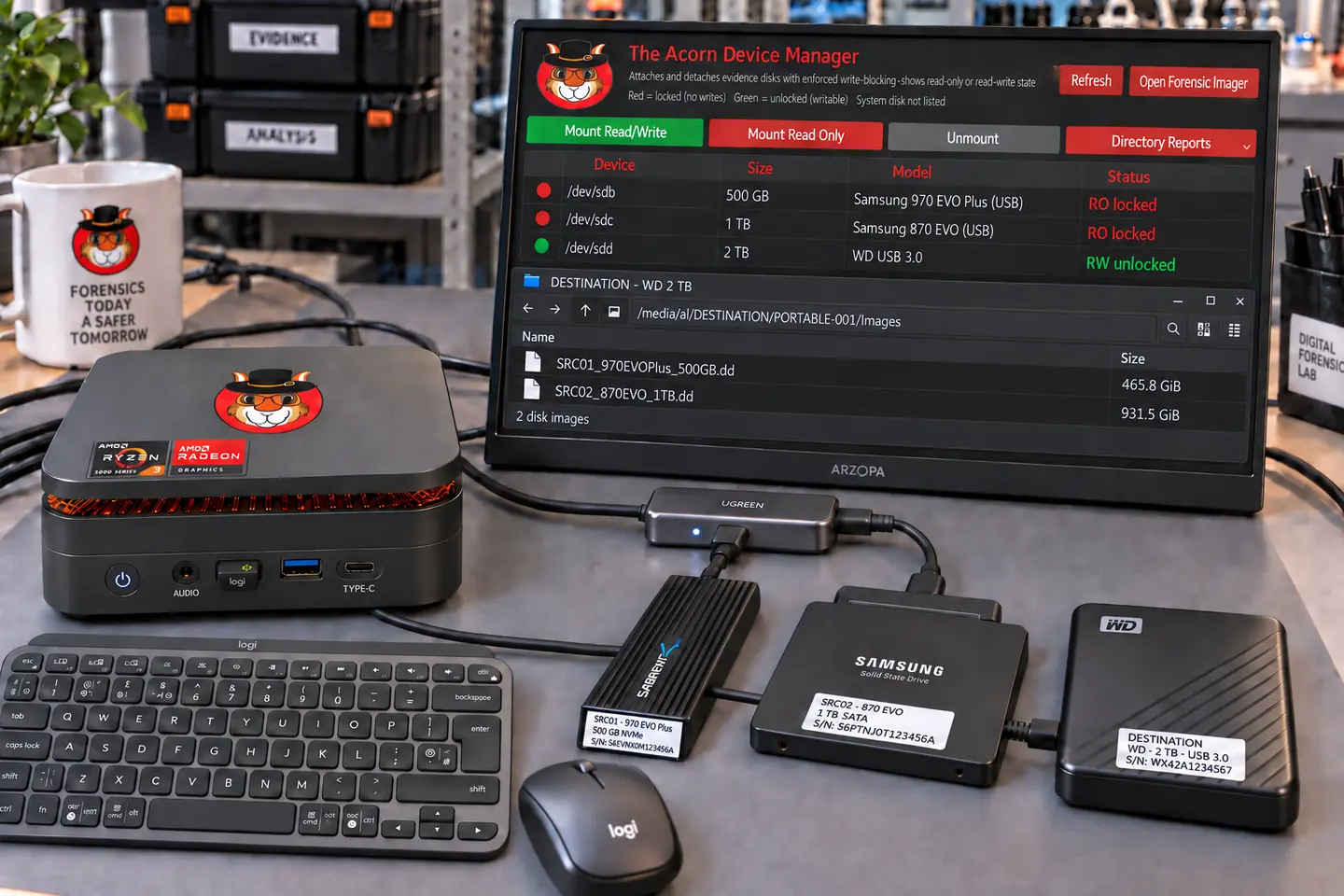
At the laboratory bench
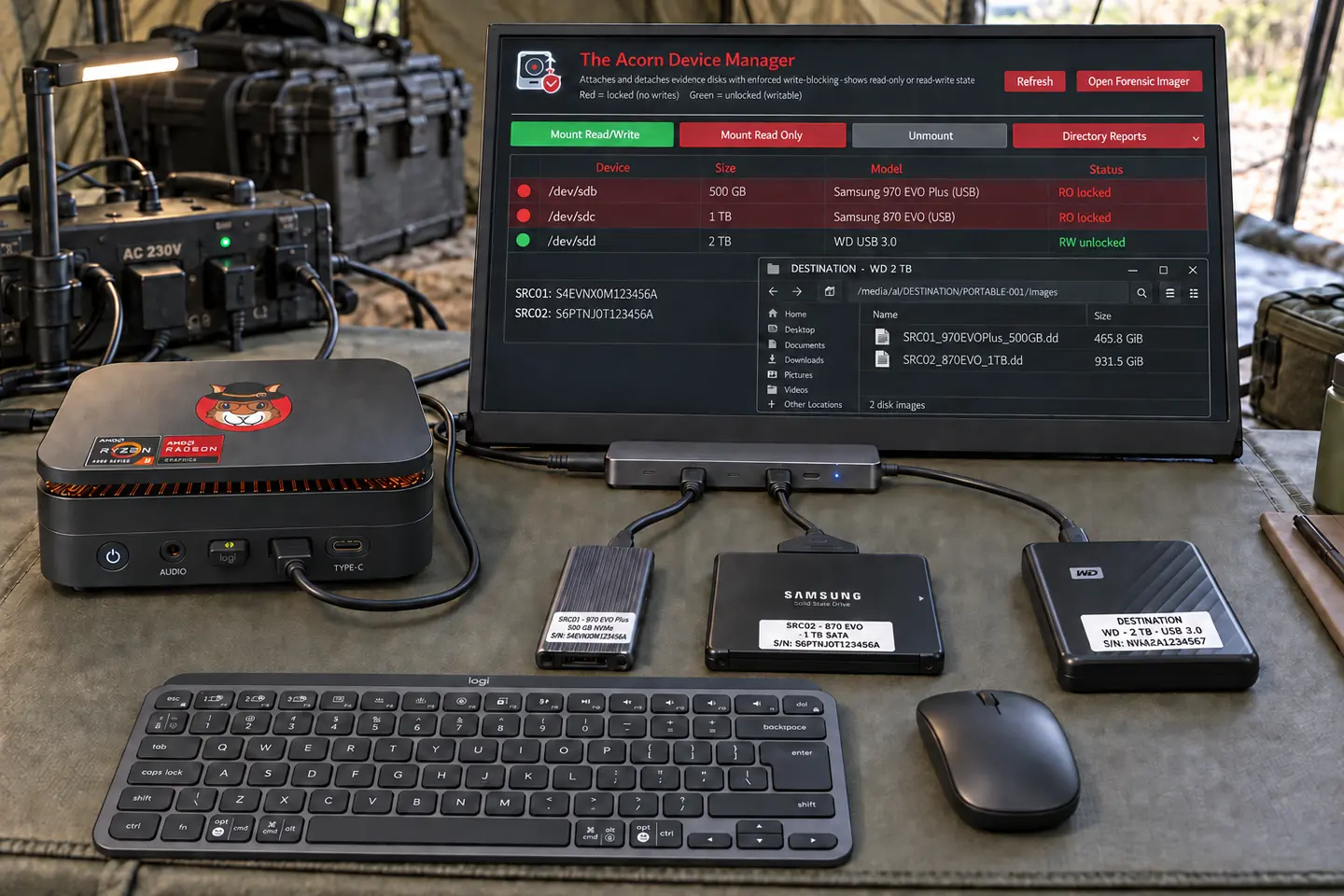
Plan the source connections, protection method and a separate destination before starting an acquisition.
 Designed in the UK
The planned portable bundle
A small forensic workstation, a portable screen and the essentials for a working desk away from the office.
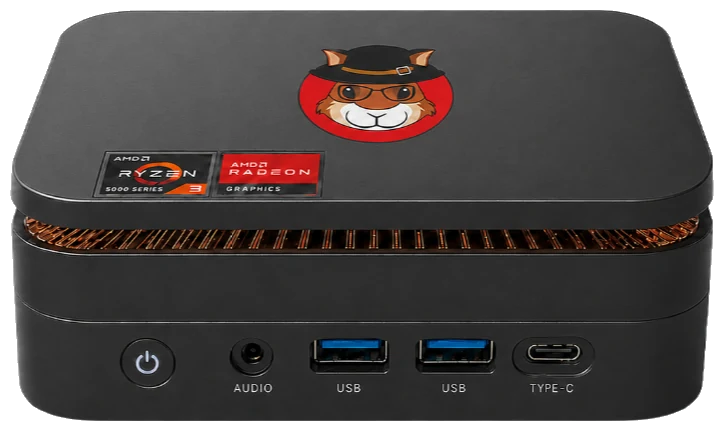
Images show earlier hardware. Final components, ports and compatibility remain subject to confirmation.
The planned bundle is not yet for sale. We will confirm component models, the price, VAT, delivery charges and licence terms before orders open.
Proposed specification
These are target specifications. We will publish the final processor, ports, power needs and component models before orders open.
The screen, dock and power supply must match the final workstation. Battery use needs a suitably rated external power station; USB-C charging of the workstation is not confirmed.
One workspace. Field to desk.
Acquire on site. Review at your desk. Keep your case files and forensic tools in the same workspace.
The planned kit pairs a small workstation with a USB-C-powered screen, mini keyboard, mouse and carry bag. Plug into mains power on site, or plan an acquisition around a suitable rechargeable power station.
Back at the desk, use a compatible USB-C dock for multiple screens, a full-size keyboard, mouse and external disks. Continue the review in Workbench, with focused tools close at hand.
The aim is a carry-bag kit rather than a workstation built into a full-size hard case. For scale, a Peli 1510 case measures 55.9 × 35.1 × 22.9 cm outside. The Acorn unit measures about 12.8 × 12.8 × 4.4 cm and weighs around 500 g. Its power supply, screen and other kit add to the packed size and weight.
The diagram is not to scale. A carry bag does not offer the same protection as a rated hard case.
Targeting late Q4 2026. Final hardware, price and compatibility will be confirmed before orders open. No deposit is taken here.
Connect the source, check write protection and choose separate storage for the image. With a suitable mains socket and adaptor, there is no battery countdown.
Keep power stable for the whole acquisition. Local evidence analysis runs on the workstation; cloud collection and remote sessions need a network.
As a planning example, a 512 Wh battery could supply a 100 W setup for about 4.1 hours, assuming 80% usable energy. This is not a measured Acorn runtime.
Capacity in watt-hours × 0.8 ÷ total load in watts. The 80% figure is a planning assumption, not a battery test. Include the computer, screen, disks and adaptors. Measure your full setup and allow extra reserve.
At an assumed 100 W: 256 Wh gives about 2.0 hours; 1,024 Wh gives about 8.2 hours. Temperature, battery condition and power losses change the result. See the runtime calculation method.
Use a suitably rated AC power station and the correct workstation adaptor. A USB phone power bank is not a confirmed power source. Battery packs are not part of the stated bundle.
Work in a parked vehicle with the equipment secured. Check the power station's vehicle-charging requirements; do not rely on a starter battery for a long acquisition.
Carry the kit in a bag, then take it out to work. Keep vents clear and use a stable, ventilated surface. Do not run the workstation or power station inside a closed bag.
A compatible USB-C dock can bring your screens and desk peripherals together. Spread the review across multiple displays, with external disks within reach.
*Video output, display count and Linux dock support depend on the final hardware. USB-C alone does not guarantee video or charging; separate workstation power may be needed.
Check the workstation's video-capable port, the dock, cables and display limits. Validate evidence connections and write protection separately: a dock is not a write blocker. Use suitable direct connections where your acquisition workflow needs them.
Before you commit
Choose the evidence interface and working method as well as the processor. Ask which source devices, protection method, output storage and representative workload have been checked on the proposed configuration.
Ask about the intended software edition, licensing and hardware requirements. Software-only availability and final licence terms are still to be confirmed.
A workspace beyond the office
Think about where the examination will happen, not just what is installed. The proposed portable kit brings the workstation, screen and input devices together.
View full screen
Plan the source connections, protection method and a separate destination before starting an acquisition.
 View full screen
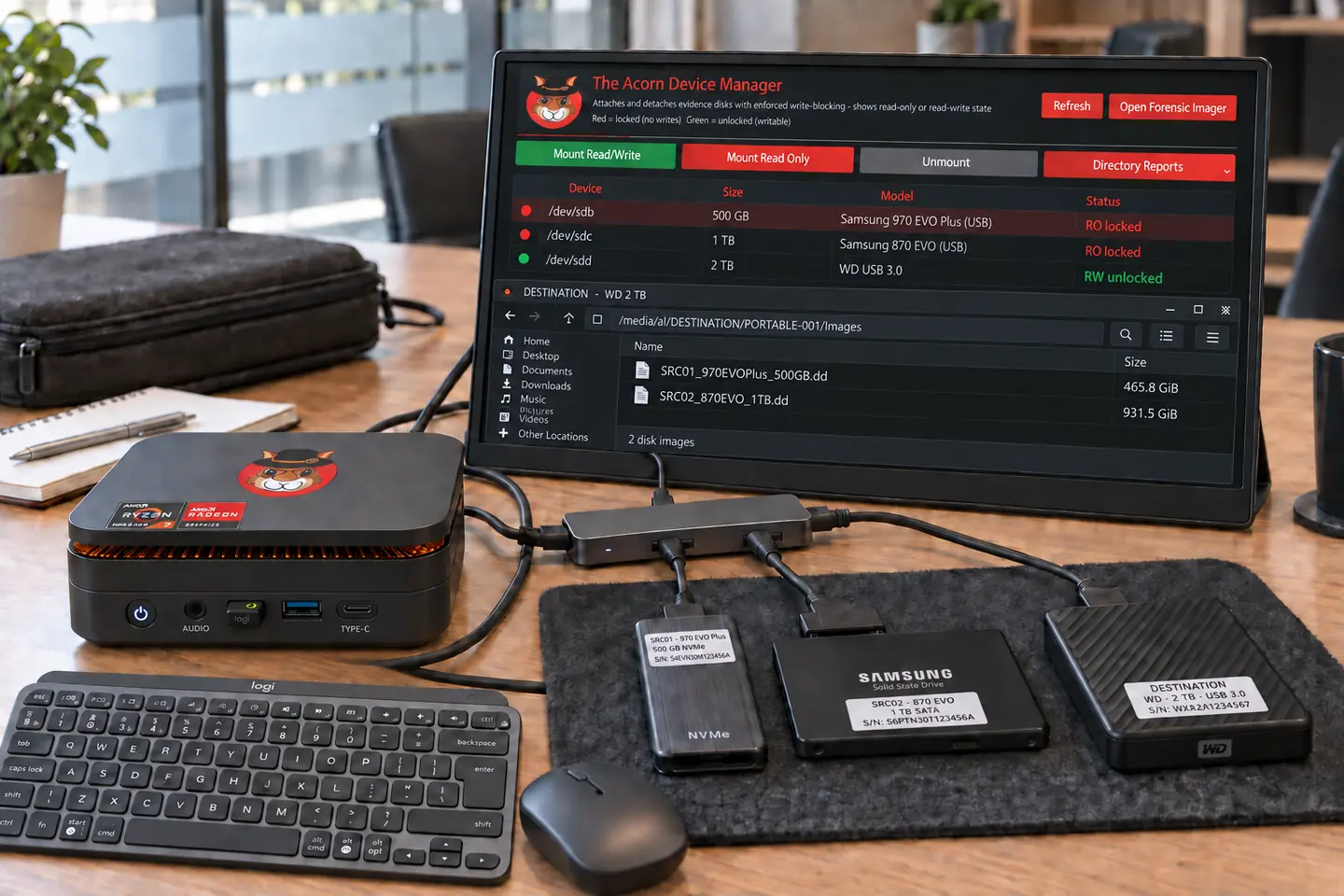
Set up a temporary examination space around the authorised scope, available power and the systems you need to work with.
 View full screen
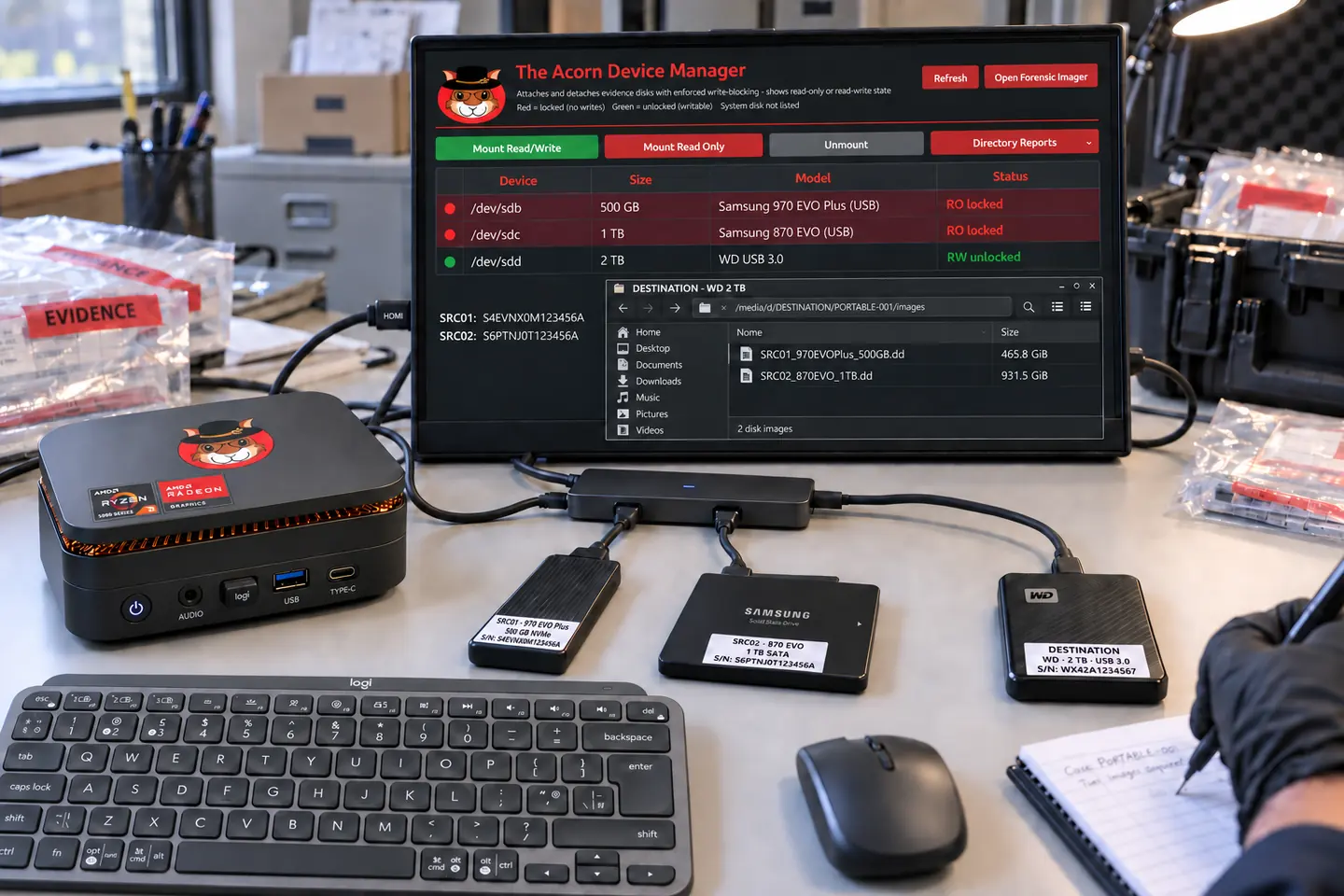
Keep source handling and destination storage clear when more than one device needs attention.
 View full screen
A portable setup still needs suitable power, protection from the elements and a safe place to handle the source.
Generated illustrations of the proposed hardware and working settings, not photographs of deployments. Connections, source adapters, power and environmental suitability must be checked for the actual task.
Discuss your working environment