
← The Acorn overview
The Acorn application guide
Remote Response
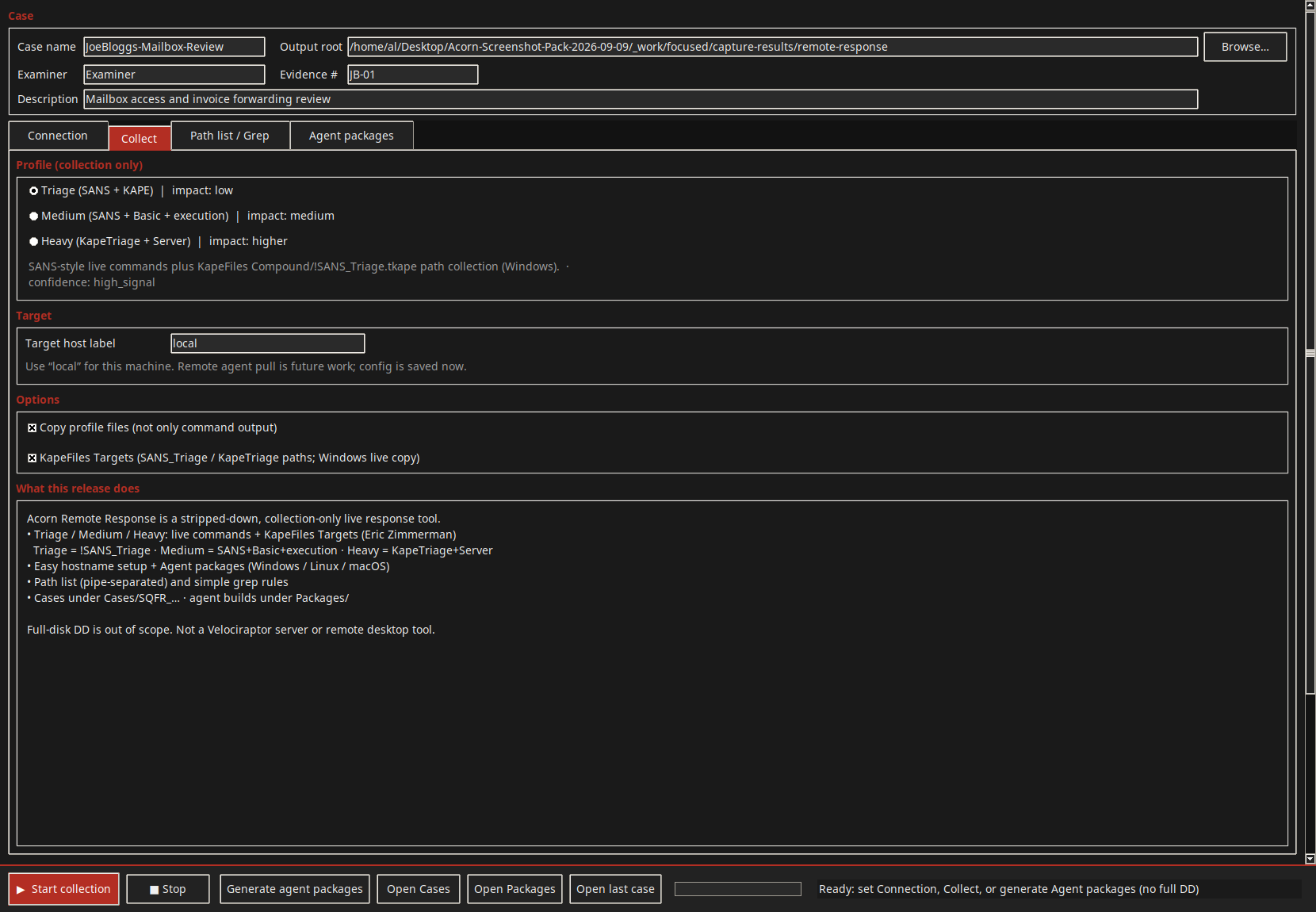
Set the case and collection profile before a remote response. The example covers setup only: no agent was deployed, no remote connection was made and no evidence package was collected.
Collection setup shown
Define the response task before collection
Example input
- Case fields, collection-profile controls and reserved-domain setup examples.
Result or controls shown
- Response-collection setup screens only; no connection, agent collection or package build is demonstrated.
 View full screen
Enlarge the screenshot to read the source records.
Examination steps
Steps to review in your evaluation
-
Define the authorised target, scope and intended collection.
-
Review local and remote setup fields against the agreed task.
-
Confirm the supported build and test the intended route before expecting a connection or package.
Related application guides
Start with your requirements
Request an application demo
Tell us the source type and task you want to examine. We can plan a demo using suitable training material. Do not send confidential evidence.