
← The Acorn overview
The Acorn application guide
Apple Mobile Lab
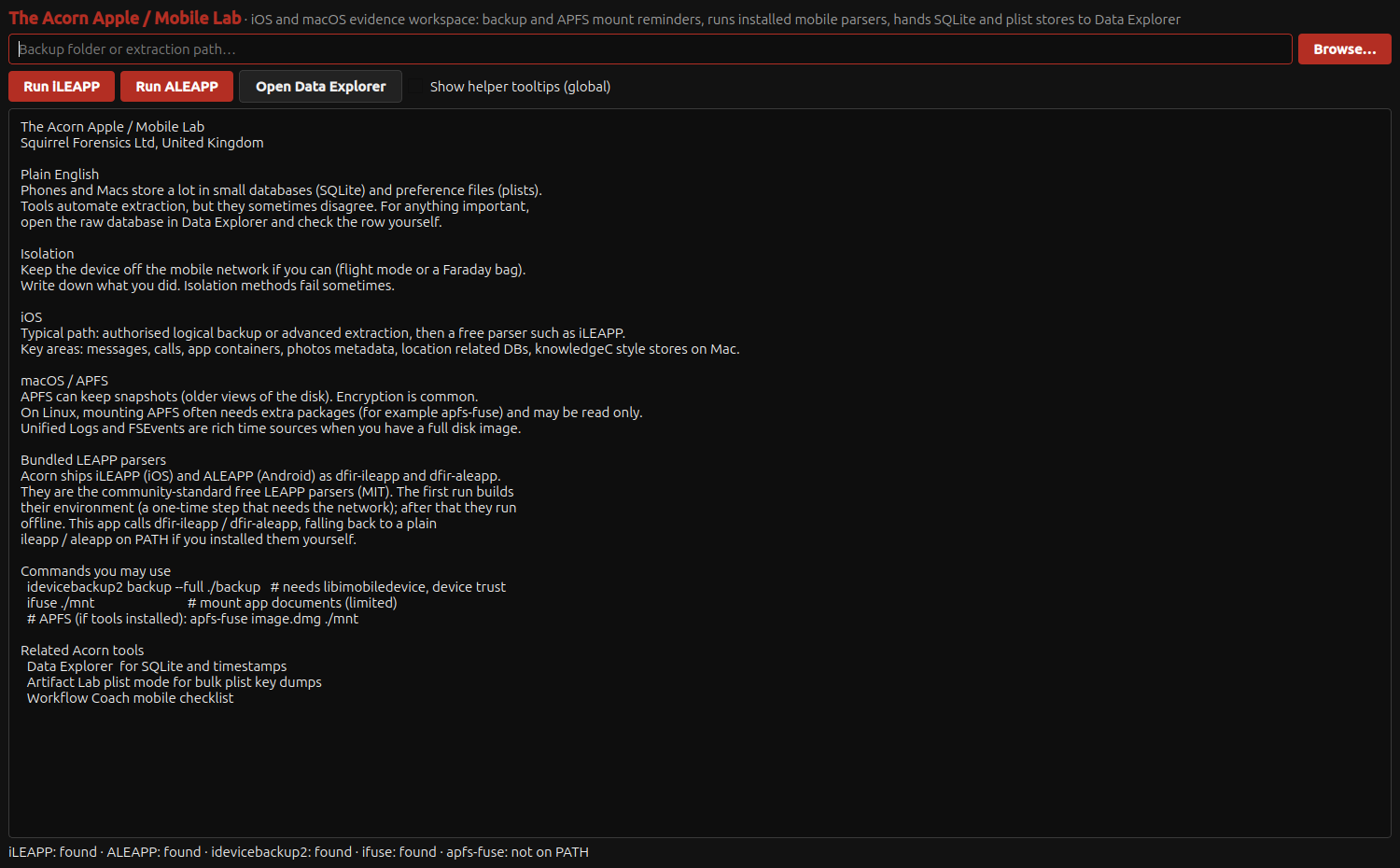
Start with material you already hold and choose how to parse it. This screen shows input and parser controls. It does not show an Apple device extraction.
Input and parser controls shown
Choose the input and parser for mobile records
Example input
- A proposed input folder and mobile-parser workflow shown in the reference interface.
Result or controls shown
- Input and parser controls with acquisition and review guidance; no extraction or parser run is demonstrated.
 View full screen
Enlarge the screenshot to read the source records.
Examination steps
Steps to review in your evaluation
-
Identify the supplied material and how it was acquired.
-
Review the relevant parsing and database-review route.
-
Validate the selected parser against representative input before relying on the results.
Related application guides
Start with your requirements
Request an application demo
Tell us the source type and task you want to examine. We can plan a demo using suitable training material. Do not send confidential evidence.