
The Acorn application guide
Malware Triage
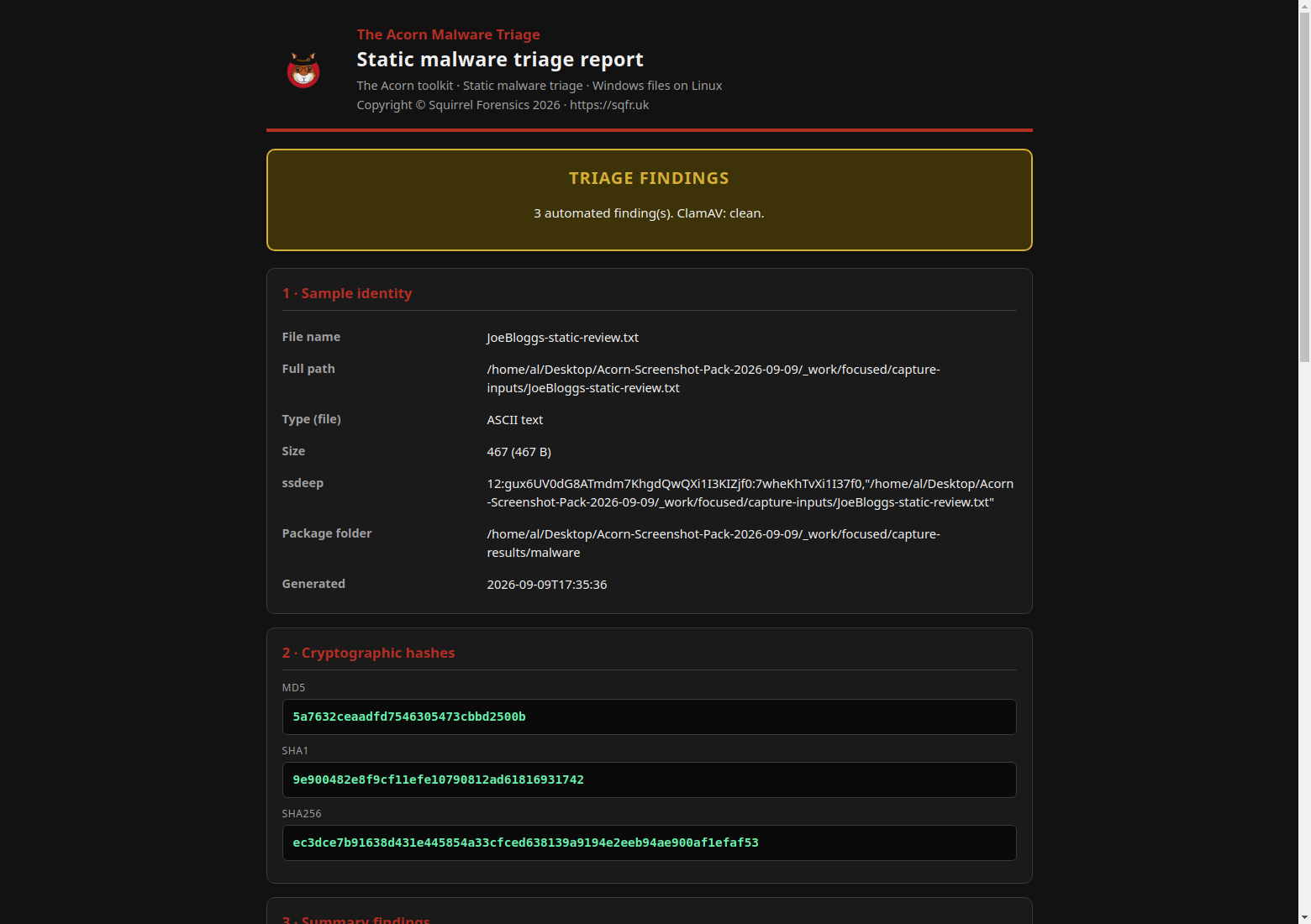
An inert training file produced three automated leads and native HTML and PDF reports. Follow each lead back to the known input and hash. Nothing was executed, and a lack of antivirus matches does not prove a file is safe.
Constructed test example
Review static file leads in an exported report
Example input
- An inert constructed text file containing known markers and encoded material.
Result or controls shown
- Native findings plus demonstrated HTML and PDF reports with source identity and hashes.
 View full screen
Enlarge the screenshot to read the source records.
Trace a PDF malware finding back to its source
MiniDuke used malicious PDFs in 2013. This historical example shows why an examiner looks beyond the visible page. It is separate from the Acorn training results above.
A backdoor hidden behind a briefing
Researchers found a malicious program concealed in the PDF. An exploit, code that abuses a software flaw, could install it through a vulnerable version of Adobe Reader.
Forensic question: Was the file merely present, or did it run?
Look beyond the visible page
The published analysis describes compressed JavaScript and an encoded payload inside the PDF. A dropped program contained both the backdoor and a harmless document to show the reader.
Forensic question: Which part of the file supports the finding?
Return to the original file
ASEM_seminar.pdf is one of the samples named in the research. In a case, record the source path and file hash, a fingerprint used to check the file has not changed.
Next check: Compare the attachment, email and device records. Finding the PDF alone does not prove infection.
Examination steps
Steps to review in your evaluation
-
Select the source and retain its identity and hashes.
-
Review static rule matches, decoded strings and available indicators.
-
Explain which stages ran and why a match or clean signature result needs further interpretation.
Related application guides
Start with your requirements
Request an application demo
Tell us the source type and task you want to examine. We can plan a demo using suitable training material. Do not send confidential evidence.