
Choose a VM service, not just a cloud brand
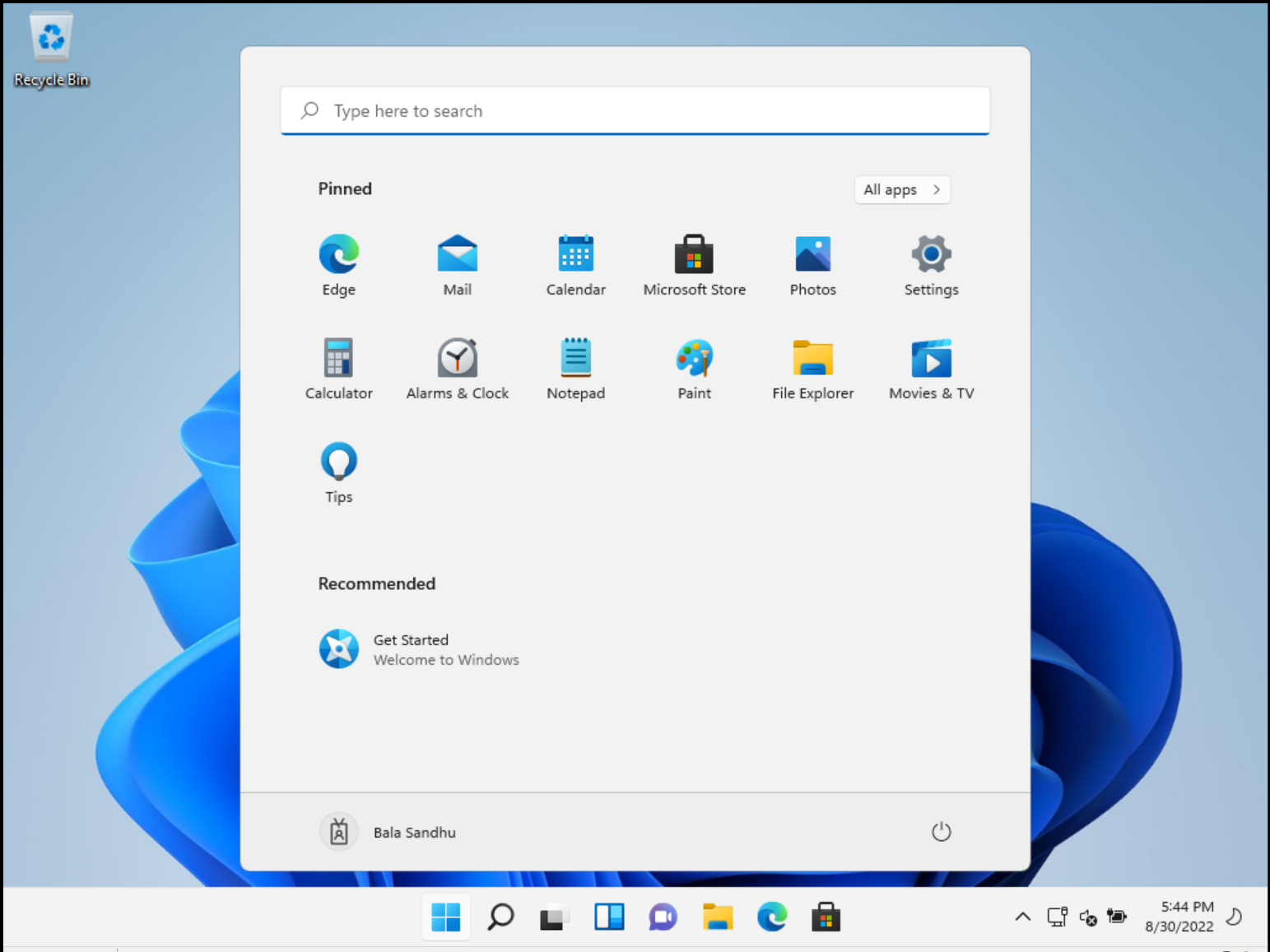
Amazon EC2, Azure Virtual Machines and Google Compute Engine provide Windows VM options. Choose the operating-system image deliberately: Windows Server is not Windows 11. If the team needs a Windows 11 desktop, check eligible licensing and deployment requirements with the provider before building the environment.
AWS Windows client deployments have eligible bring-your-own-licence and dedicated-infrastructure requirements. Google Cloud requires eligible Windows desktop licensing and sole-tenant hardware, and does not sell an on-demand desktop licence. Azure’s Windows client eligibility also needs checking for the intended subscription and use.
Approved case storage
- ▱ working-copies
- ▱ account-exports
- ▱ reports
- ▤ SHA256SUMS.txt
- ▤ acquisition-log.txt
Transfer deliberately.
Check received file hashes.
Connect through an approved access path
Ask the cloud administrator for the authorised host, account and connection route. A private network, VPN, Remote Desktop Gateway or supported tunnel can keep the VM away from unrestricted public RDP. In Remmina, use the RDP profile and the settings required by that route. Verify the server identity and keep Network Level Authentication enabled where supported.
Amazon’s EC2 documentation explicitly lists Remmina as a Linux RDP client. Azure supports RDP to Windows VMs. Google documents RDP via private connectivity or an Identity-Aware Proxy tunnel with a suitable client. These are connection patterns, not permission to bypass the organisation’s access controls.
Do not confuse a brokered desktop with a direct RDP host
Azure Virtual Desktop, Windows 365 and Amazon WorkSpaces have their own access and client requirements. A workspace feed or service login is not simply an IP address to enter into Remmina. Use the provider-supported client or browser route where the service requires it.
Authentication extensions, smart cards, device redirection and organisation-specific sign-in policies can affect client compatibility. Validate the current Remmina and FreeRDP build against your approved environment before relying on it during an incident.
Keep evidence movement separate from the screen connection
Remote Desktop Protocol carries the remote session. An SFTP service or another approved evidence-transfer route moves selected working copies. Disable unnecessary clipboard and drive redirection, restrict account permissions and verify transferred copies against their recorded hashes.
Agree the storage region, retention, encryption, access logging and deletion process before uploading evidence. Budget separately for VM time, storage and data transfer. Closing Remmina does not necessarily stop the VM or its charges. Local analysis can remain offline, but the remote session requires connectivity.
What to check
- Correct Windows edition, eligible licence and provider service
- Approved private or gateway access and verified server identity
- Separate evidence-transfer, retention and cloud-cost plan
Common questions
Can Remmina connect to Windows VMs on all three providers?
It can act as an RDP client when the VM, network path and authentication method are compatible. This is not a claim that every managed desktop service supports a direct Remmina connection.
Do I need to install the Windows application on Acorn?
No. In this workflow the application runs on the licensed remote Windows host. Acorn supplies the Linux desktop and remote client; the cloud environment and its licences are separate.
Does closing the remote window shut down the cloud machine?
Usually it only disconnects the session. Follow the team’s approved shutdown or scheduling process and confirm billing implications with the provider.
Explore the relevant Acorn apps
Put the workflow to the test
Discuss your team’s cloud Windows workflow
Tell SQFR about the source types, task and equipment you need. We can discuss a focused demonstration and the configuration or quotation that fits. Do not send case evidence or credentials through the enquiry form.
Further reading
- Remmina: Linux remote-desktop client
- AWS: RDP connections to Windows instances, including Remmina
- AWS: Microsoft workload licensing
- Microsoft: connect to a Windows virtual machine
- Microsoft: Windows 11 deployment and licensing on Azure
- Google Cloud: connect to Windows VMs
- Google Cloud: Microsoft licensing FAQ