
The map and image are a pair
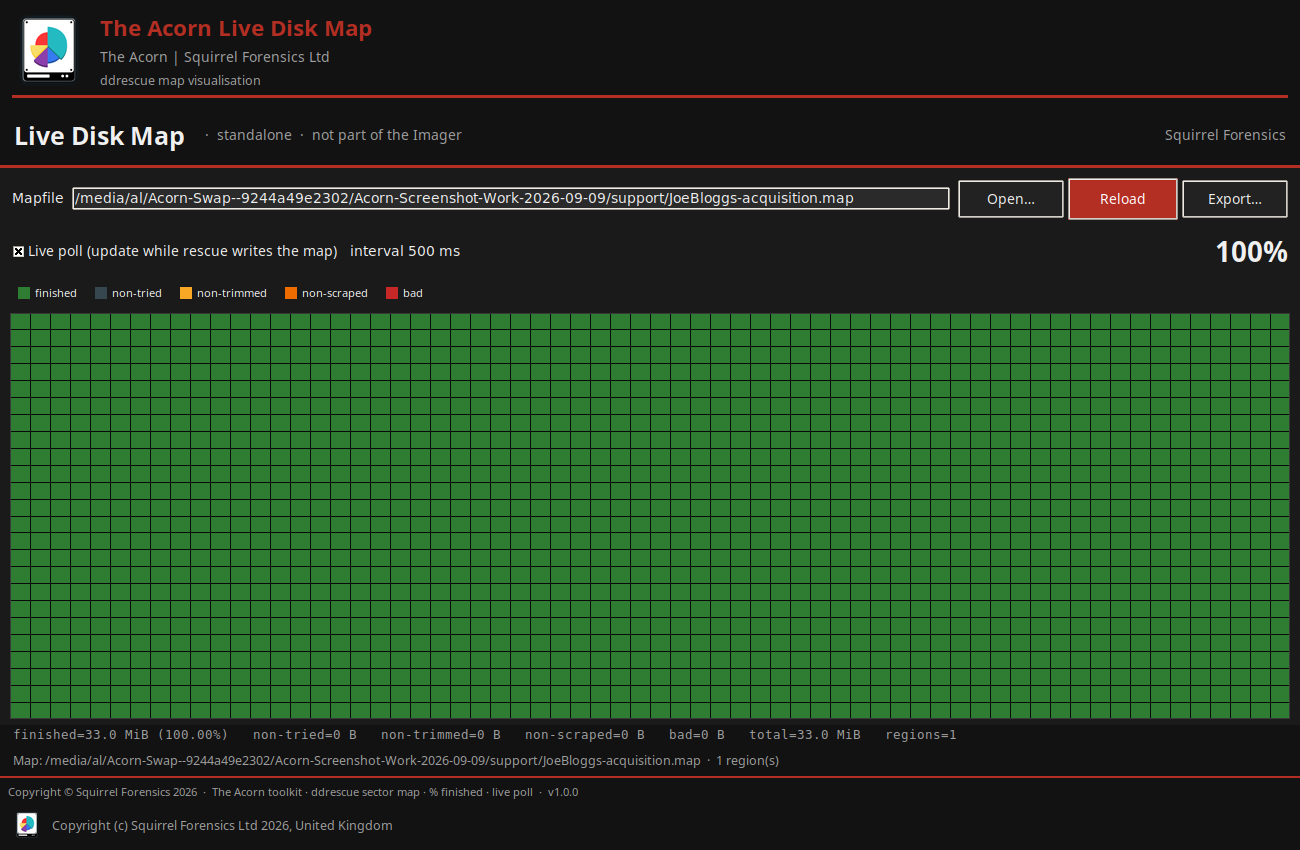
A recovery map describes which byte ranges were read and which still need attention. The output contains the data obtained for that job. Resumable forensic imaging depends on keeping this pair intact. Use a case-specific folder and keep the image basename, map and acquisition notes together.
An image file may have the expected logical size while some ranges are still unread. File size alone is therefore a poor completion check. Consult the map and the log before telling another examiner that the acquisition is complete.
 View full size
Before pressing resume
Confirm the physical source by more than its current Linux device name. Device names can change after a reboot or reconnection. Compare the recorded serial number, capacity, connection and case reference, then verify the selected destination and saved map.
If a cable, adapter or power supply caused the interruption, record the change. If the drive itself is deteriorating, reassess whether another pass is justified. Resumption saves repeating completed ranges; it does not make an unstable device healthy.
Keep a useful record of the second session
Retain the earlier logs and record the new session time, settings and reason for continuing. Preserve the map after a clean stop and keep any earlier copy used to explain progress. Do not edit status ranges to make the job appear more complete.
For an Acorn evaluation, use disposable test media to demonstrate a controlled interruption and return to the same job. Compare the recovered ranges before and after. Then verify the final output and report the ranges that remain unresolved.
What to check
- The same source, matching output and matching map
- A recorded reason for the interruption and any hardware change
- Final verification plus a record of unresolved ranges
Common questions
Can I resume every image format this way?
No. This guide concerns the resilient sector-imaging route. Use the documented controls for that mode; do not assume its map can resume an ordinary E01 acquisition.
Can I reuse a map from an identical model of drive?
No. A map belongs to its acquisition and output, not to a drive model. A wrong pairing can produce an incomplete or misleading result.
Explore the relevant Acorn apps
Put the workflow to the test
See a saved-map resume workflow
Tell SQFR about the source types, task and equipment you need. We can discuss a focused demonstration and the configuration or quotation that fits. Do not send case evidence or credentials through the enquiry form.