
← The Acorn overview
The Acorn application guide
Memory Workbench
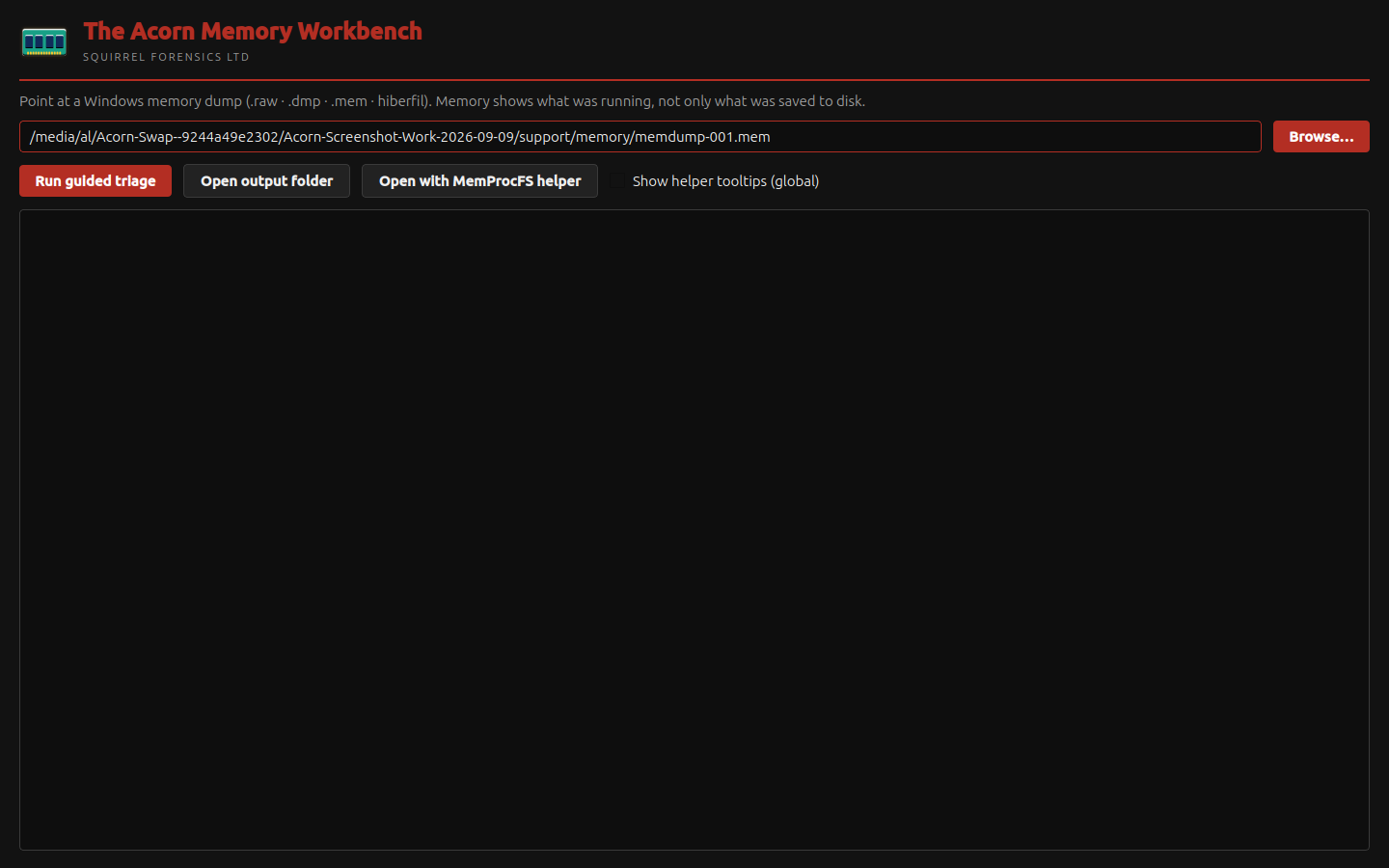
The setup screen selects a public Windows memory image for review. Check the source and intended analysis method before running it. No analysis engine was run for this capture, so it contains no recovered process or network findings.
Memory analysis setup shown
Prepare a memory image for examination
Example input
- A public memory-dump selection in the current setup interface.
Result or controls shown
- Memory-input and analysis-route controls only; no completed memory analysis is demonstrated.
 View full screen
Enlarge the screenshot to read the source records.
Examination steps
Steps to review in your evaluation
-
Identify the source dump and proposed examination question.
-
Review the available memory-analysis routes and their requirements.
-
Validate the selected route before expecting process, network or injection findings.
Related application guides
Start with your requirements
Request an application demo
Tell us the source type and task you want to examine. We can plan a demo using suitable training material. Do not send confidential evidence.