
Make the acquisition controls readable on site
A useful portable display lets the examiner check source identity, destination, progress and warnings without crowding the interface. Evaluate the screen with the actual imaging application and the lighting conditions you expect. A diagonal measurement alone says little about readable text or usable scaling.
Include a stable stand and enough working space for cables and evidence storage. The purpose is a controlled temporary bench, not merely a computer small enough to fit in a bag.
 View full size
Document the power and video connections
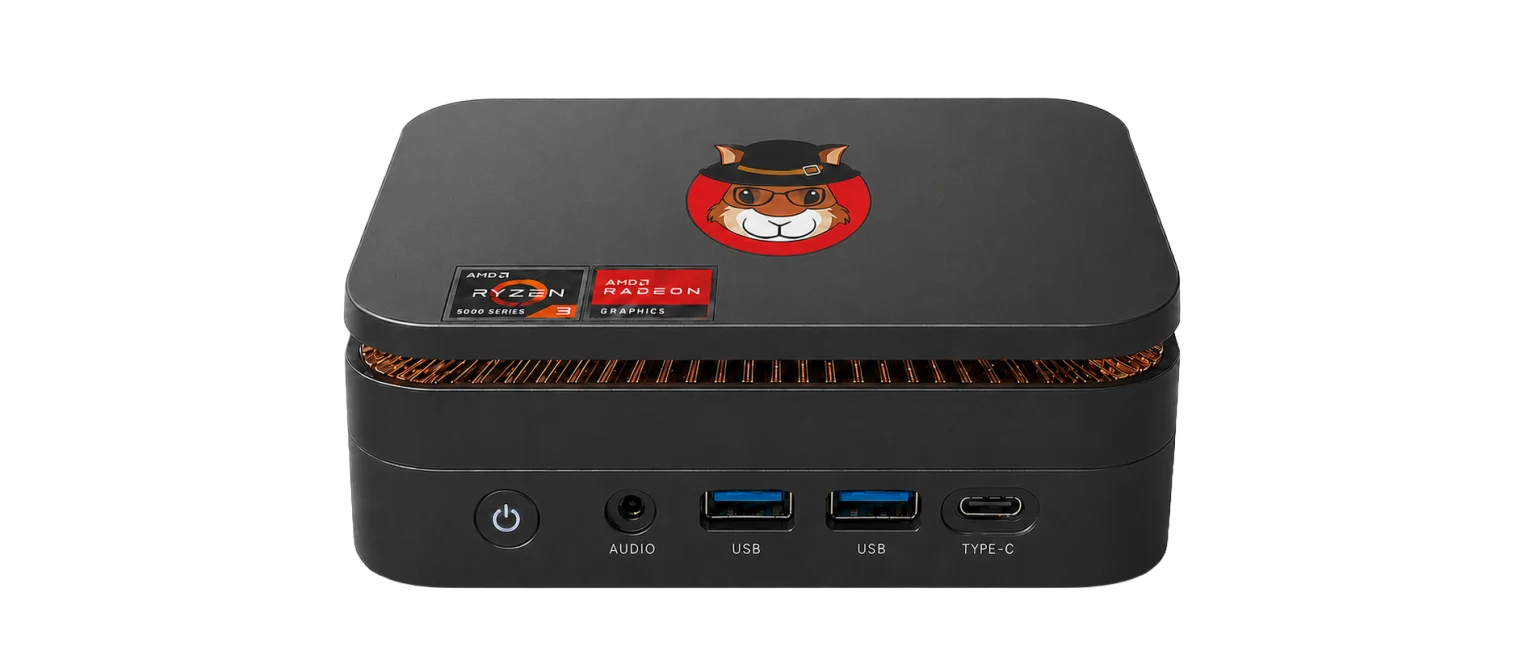
Some USB-C displays accept video and power together; other setups use separate connections. Confirm the screen model, cable and workstation output. The Acorn specification provides HDMI, DisplayPort and USB-C display outputs, but the selected arrangement must be checked as a whole.
For battery operation, add the workstation, display, adapters and disks to the load estimate. Usable battery energy is lower than the labelled capacity after conversion losses. Runtime remains an estimate until tested under the intended acquisition workload. Keep equipment ventilated while operating.
Return to the desk without changing the examination plan
At the desk, a compatible USB-C dock can provide convenient connections for displays, keyboard, mouse and external storage. Keep system power requirements separate from dock convenience. Do not unplug a destination disk or reconfigure a dock while acquisition is writing to it.
For a quotation, specify whether you need a portable-only kit, a desk docking arrangement or both. Ask to see the imaging controls at the proposed screen resolution and the handover from field acquisition to review. Confirm every included cable and accessory in writing.
What to check
- Readable display resolution and stable physical setup
- Confirmed video route and separate power requirements
- Desk docking and evidence-storage connections planned
Common questions
Can I run the workstation inside a closed carry bag?
No. Give the workstation, adapters and power equipment adequate ventilation. A carry bag is for transport, not an enclosed operating environment.
Is a battery pack included?
Do not assume it is. Battery equipment and runtime testing need to be agreed separately in the kit specification.
Explore the relevant Acorn apps
Put the workflow to the test
Request a portable-screen kit specification
Tell SQFR about the source types, task and equipment you need. We can discuss a focused demonstration and the configuration or quotation that fits. Do not send case evidence or credentials through the enquiry form.