
Agree the collection before packing
Confirm the devices, authority, intended acquisition and time available. Ask whether the machine is running, whether encryption is present and who can provide credentials. A switched-off disk and a live business-critical computer may require different approaches.
Record who can release the equipment and what the organisation must keep using. An on-site plan should include a safe stopping point if the condition of the source or the available access differs from the brief.
 View full size
Test the whole kit
Pair the workstation with the required drive adapters, a portable screen, input devices and destination storage. Check the exact connection chain using test media before travel. A USB-C connector does not by itself tell you whether a cable carries video, sufficient power or the required data rate.
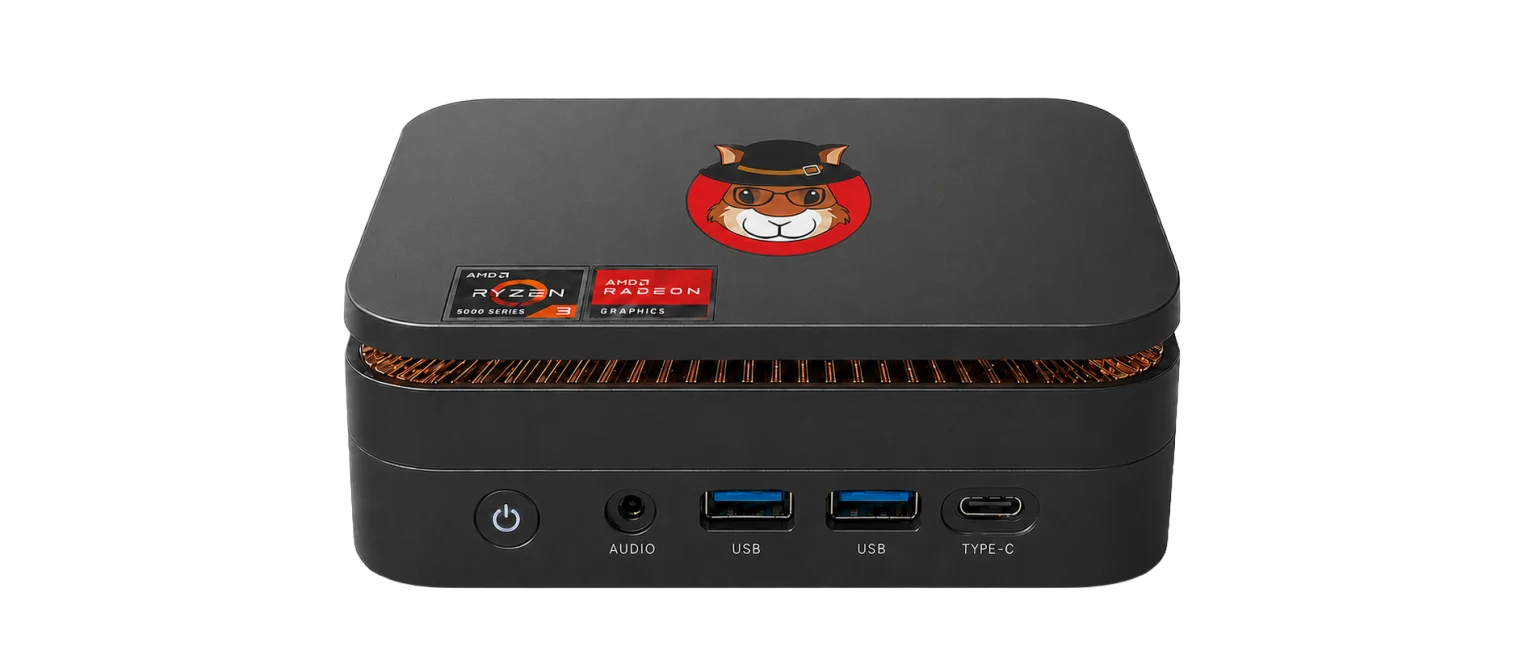
The current compact workstation is approximately 12.8 x 12.8 x 4.4 cm and 500 g, excluding accessories. Its power input is 19 V DC. The portable screen has its own requirements; do not assume that a dock powers the workstation through USB-C.
Leave with an acquisition another examiner can use
Identify the source in Device Manager, apply read-only protection and acquire to the case destination through Forensic Imager. Keep the case reference, source identity, settings, output names and verification record together. Document read errors rather than hiding them in a general completion note.
Before departure, confirm the outputs are present and the handover record identifies them. A useful field kit reduces forgotten dependencies and repeat visits. Ask SQFR to quote against your media, screen and storage needs, with the supplied accessories listed explicitly.
What to check
- Written scope, device state and authorised access
- Tested adapters, power, display and separate storage
- Image, verification record and signed handover details
Common questions
Can the acquisition run without internet?
Local imaging can run without cloud access. Remote sessions, cloud collection, updates and some online services need a connection.
Does portability guarantee a same-day collection?
No. Capacity, read speed, encryption, faults, access and verification all affect the time. Plan from the actual source rather than a fixed promise.
Explore the relevant Acorn apps
Put the workflow to the test
Request an on-site acquisition kit quotation
Tell SQFR about the source types, task and equipment you need. We can discuss a focused demonstration and the configuration or quotation that fits. Do not send case evidence or credentials through the enquiry form.