
Identify the encrypted object
LUKS can protect a partition or a container. First establish which object is encrypted and where its metadata belongs. Record the device identity, layout and acquisition scope. An ordinary file copy of visible unencrypted areas is not a substitute for preserving the encrypted volume.
LUKS headers contain information needed to unlock the protected data. Do not format, initialise, repair or replace a header on the exhibit. If a setup uses detached metadata, that metadata must also be available for a meaningful examination.
 View full size
Protect both layers of access
The encrypted block device and the file system inside it are separate layers. A read-only decrypted mapping should be paired with a read-only file-system view. Avoid automatic repair or journal-replay actions that would change the original.
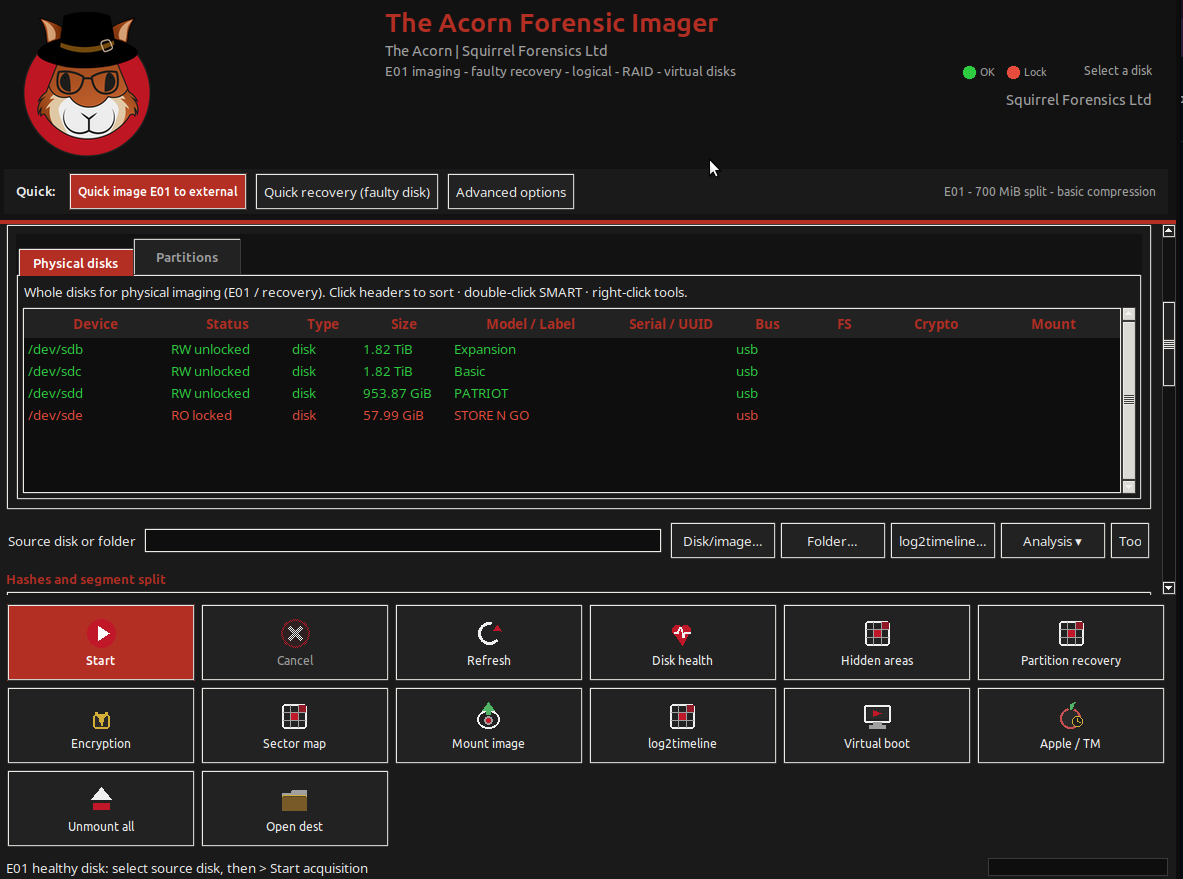
Acorn accepts supplied LUKS credentials through its mounting controls. Confirm the encryption variant, credential form and contained file system during evaluation. If access fails, preserve the diagnostic information and check the inputs rather than repeatedly changing the source.
Document what the examiner actually reviewed
Record the encrypted image, mapping method, volume identity and exported paths. Store credentials separately from general case notes. A colleague should be able to identify the examined source without finding a plaintext key inside a report bundle.
Use a known test volume to demonstrate acquisition, read-only access and extraction to a separate destination. Verify the exported files and retain the encrypted copy. The useful deliverable is a reviewable chain from the protected volume to the selected output, not merely a successful unlock message.
What to check
- Correct encrypted partition or container and required header metadata
- Read-only mapping plus read-only file-system access
- Separate credential handling and referenced exports
Common questions
Does an image of an encrypted disk preserve the key?
Not automatically. The image preserves the acquired bytes. Access may still require a separately held passphrase, keyfile or other required metadata.
Is a decrypted export the same as the original image?
No. An export is a derived output from an unlocked view. Retain its source relationship and do not replace the encrypted acquisition with it.
Explore the relevant Acorn apps
Put the workflow to the test
Ask about a LUKS workflow demonstration
Tell SQFR about the source types, task and equipment you need. We can discuss a focused demonstration and the configuration or quotation that fits. Do not send case evidence or credentials through the enquiry form.